Guides for homes with solar, batteries, EVs, and heat pumps.
Practical guides to Octopus tariff conflicts, battery behaviour, and whole-home coordination, written for homeowners, not engineers.
All posts
Showing 1-9 of 55 guides

Middle East gas disruption and UK energy bills this winter
What Middle East shipping and LNG disruption means for UK winter energy bills, and how solar, batteries, EVs and heat pumps can respond.
Read guide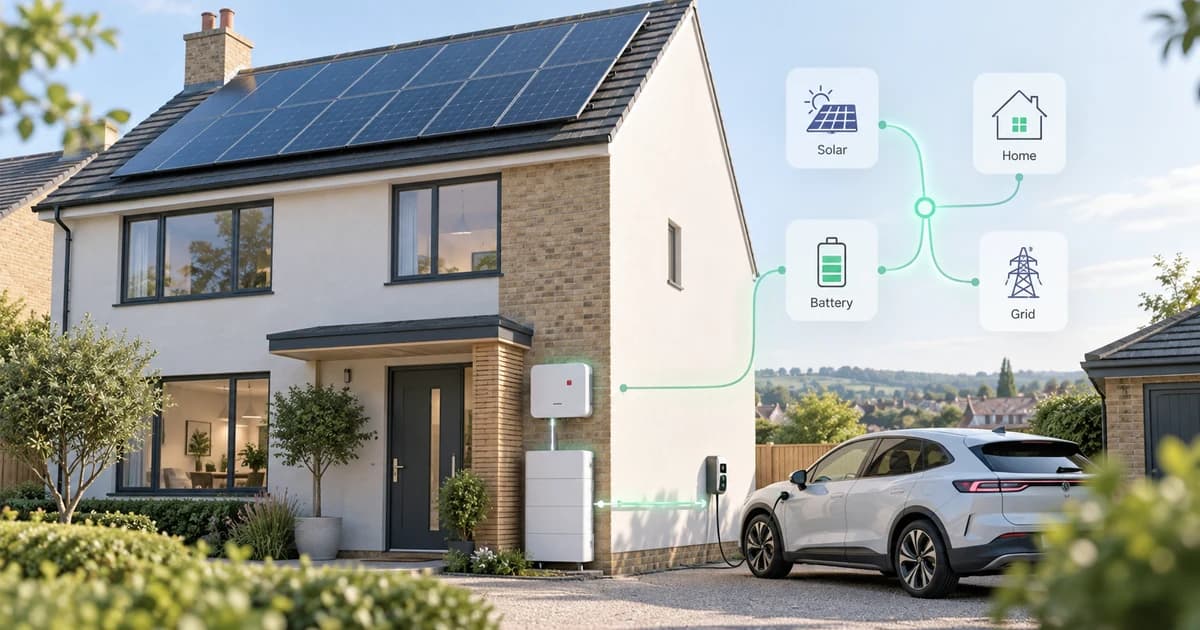
SigEnergy monitoring beta in 1app.energy
SigEnergy homes can join 1app.energy monitoring beta for clearer solar, battery, grid, home-demand and tariff context, with Smart Control off.
Read guide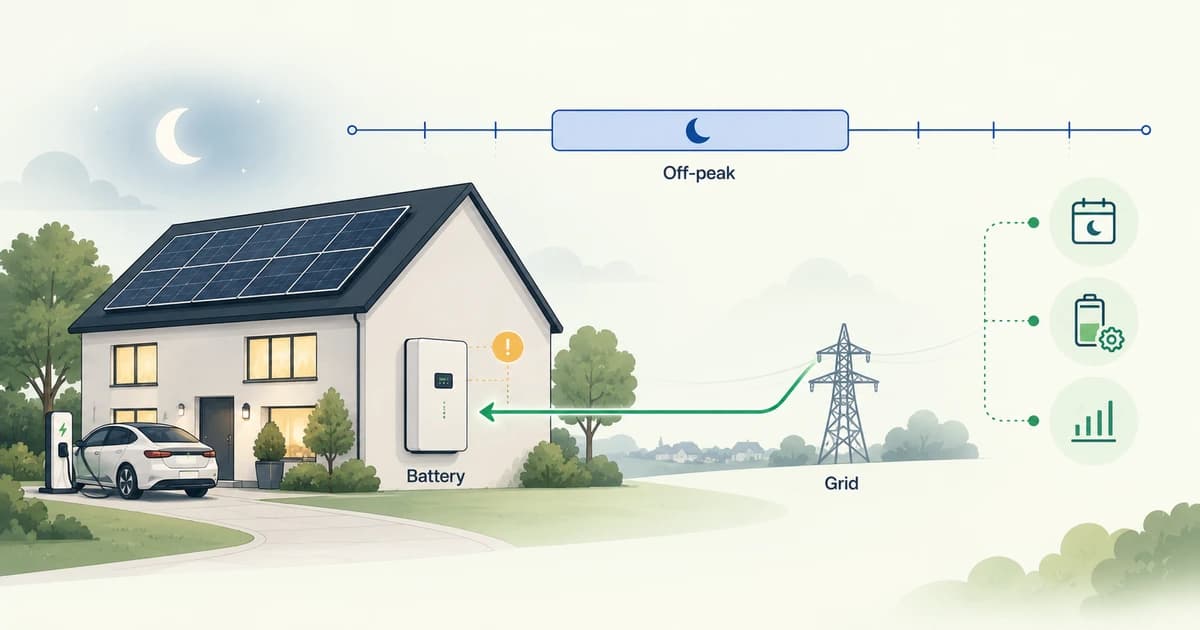
Solis battery not charging overnight? What to check
If your Solis battery is not charging overnight, check grid charging, time-of-use windows, reserve, discharge slots, telemetry and verified control.
Read guide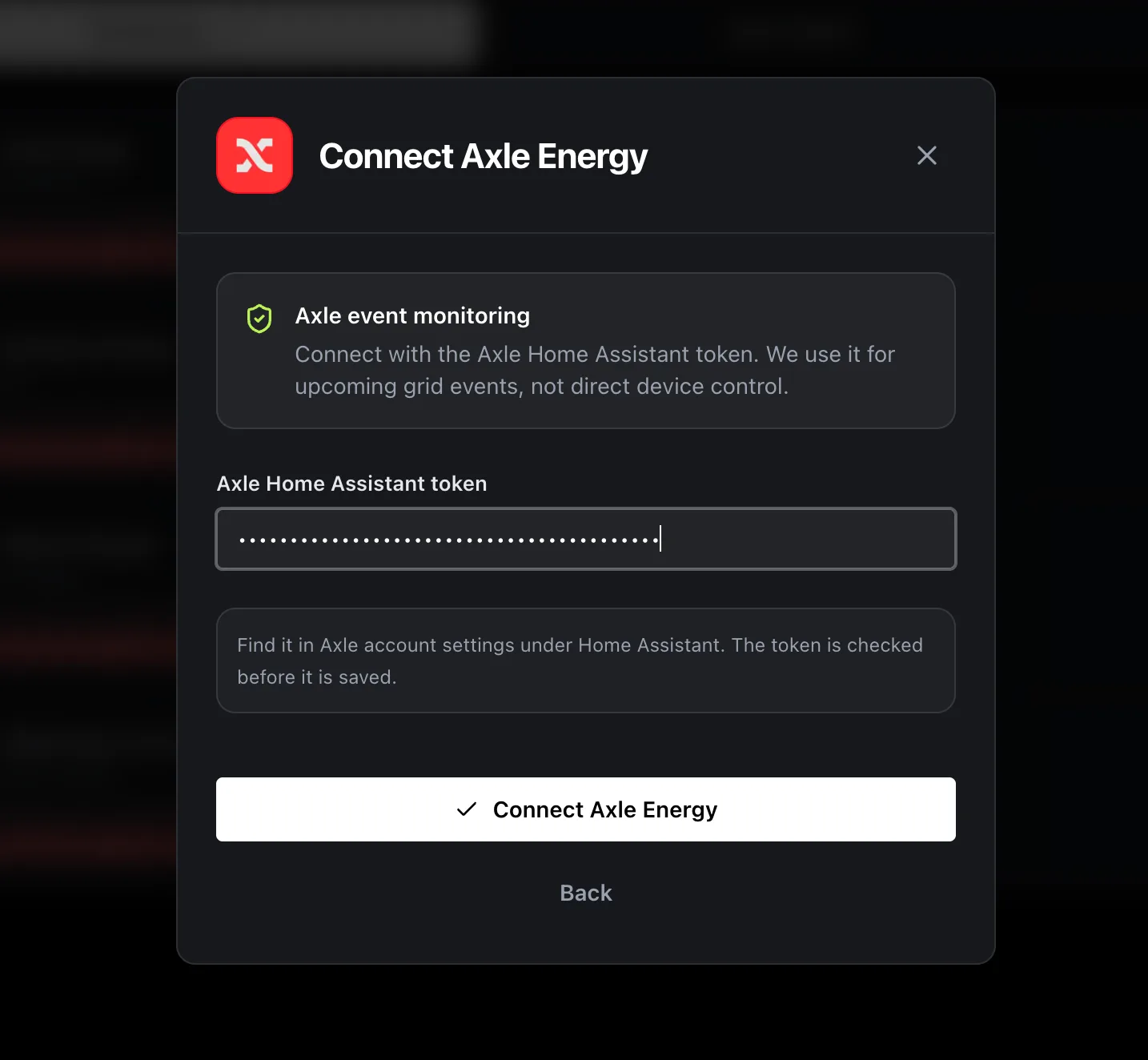
How to connect Axle Energy to 1app.energy
Connect Axle Energy to 1app.energy with the Axle Home Assistant token, then use 1app.energy for Axle event monitoring where available.
Read guide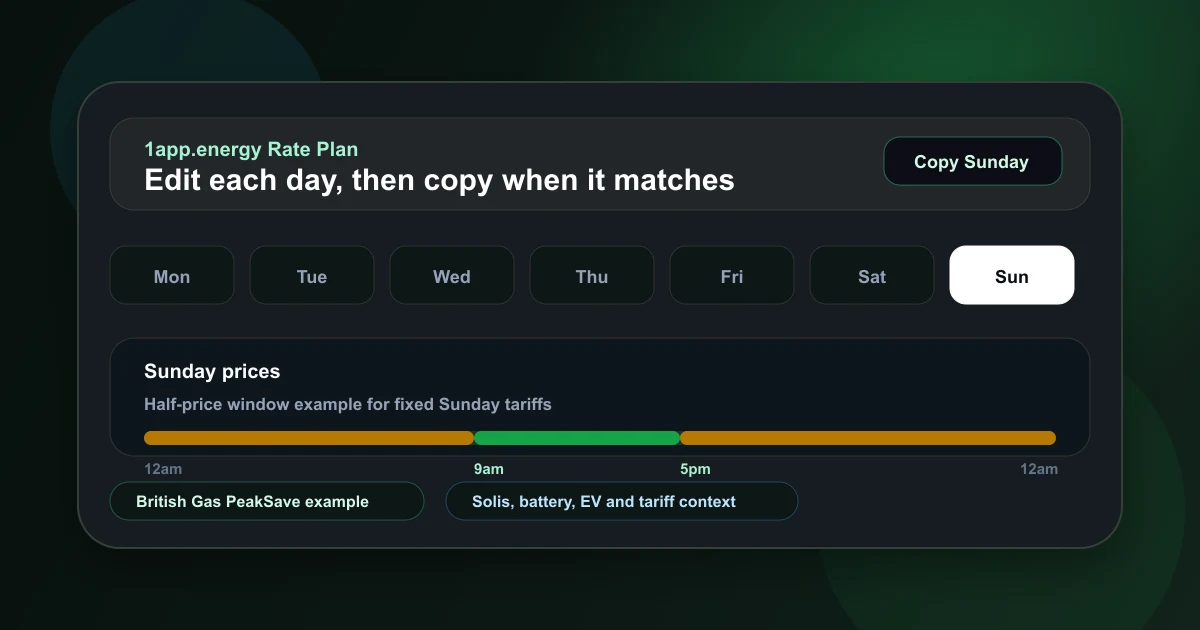
British Gas PeakSave Sundays and home batteries
Why Sunday-specific electricity rates expose a gap in many home energy apps, and how 1app.energy supports day-specific manual tariffs.
Read guide
Pod Point EV charger support in 1app.energy
Connect compatible Pod Point chargers to 1app.energy for charger state, sessions, mode controls and EV context beside solar, battery and tariffs.
Read guide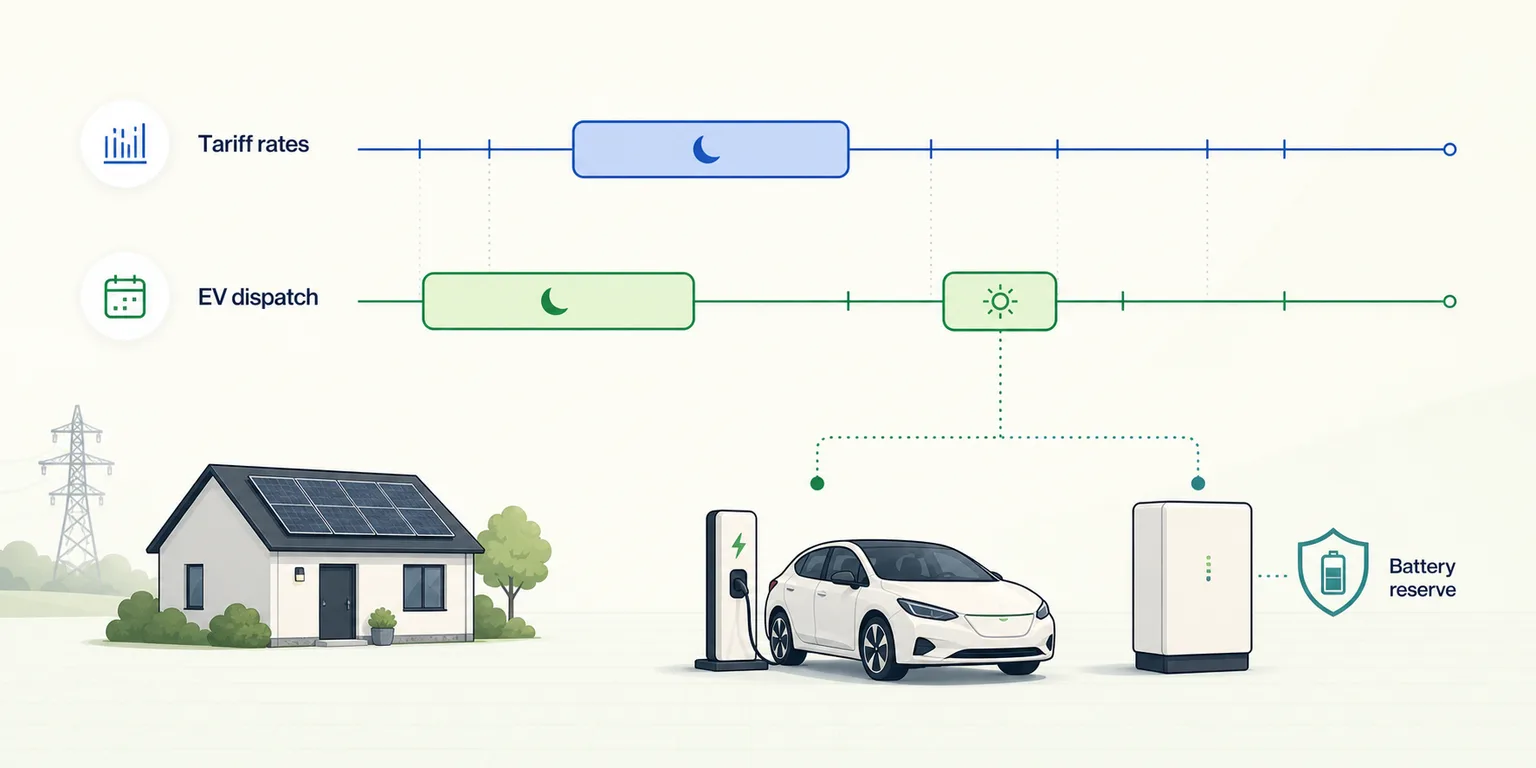
EDF GoElectric Smart Charging and your home battery
Learn how EDF tariff windows and provider-created Smart Charging dispatches differ, and how supported battery homes can coordinate around both.
Read guide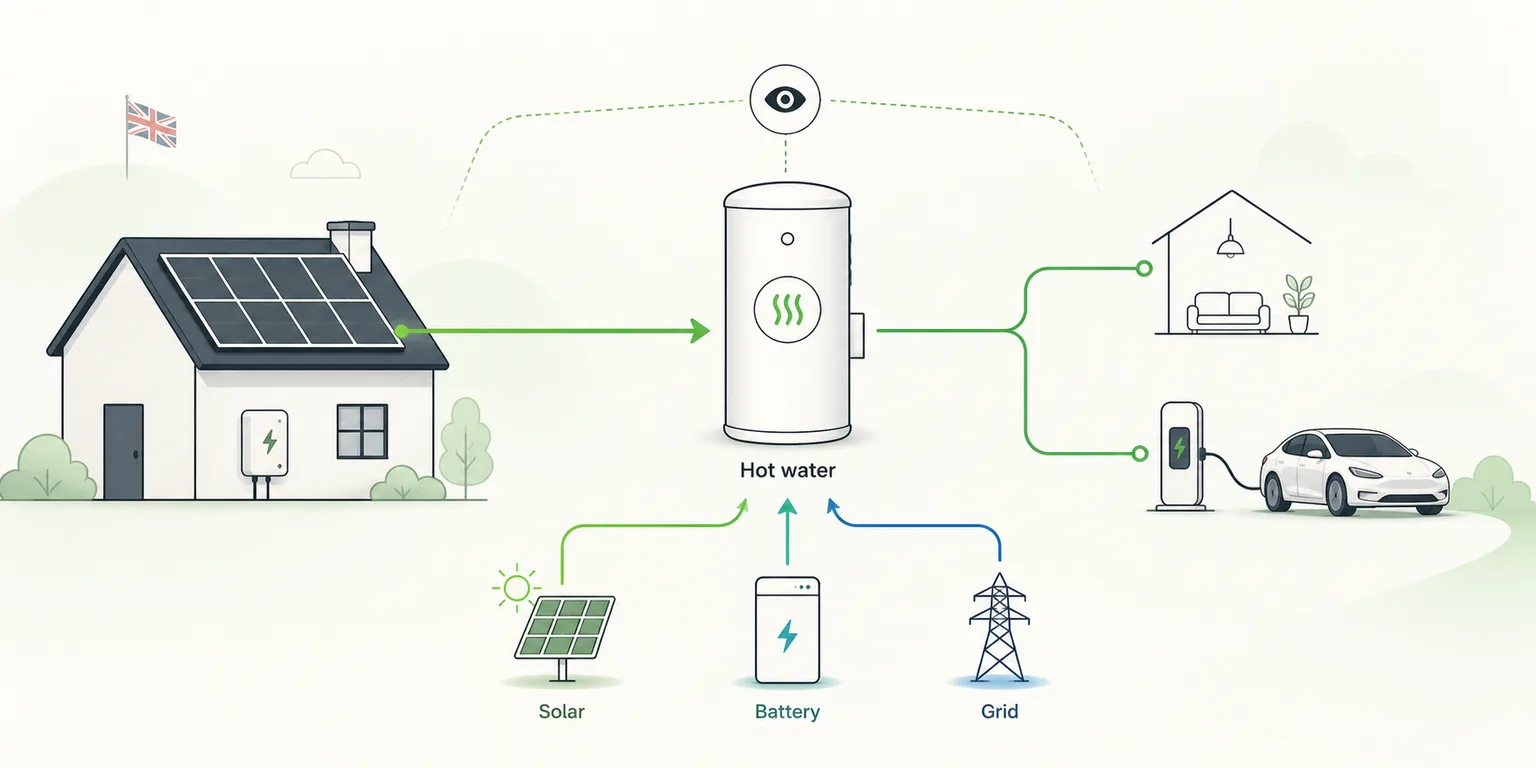
myenergi eddi: see solar hot water in the whole-home picture
See how myenergi eddi hot-water diversion fits beside solar, battery, grid and EV demand, with source-aware reporting and safe boost boundaries.
Read guide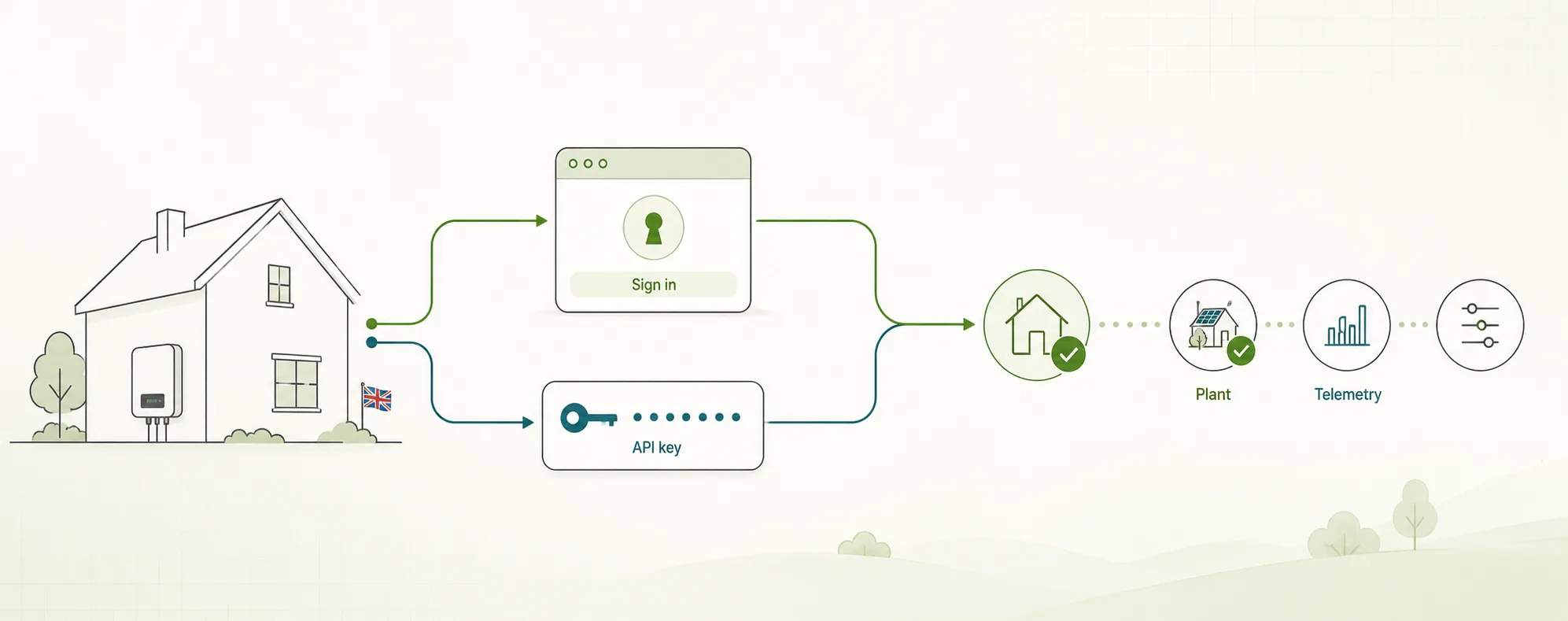
Connecting SolisCloud to 1app.energy: sign-in or API key?
Connecting a supported Solis home to 1app.energy? Compare SolisCloud sign-in with API-key setup and check what each route proves.
Read guide
Got the right setup?
See if your home qualifies for onboarding.
Choose your inverter to start. Supported homes create an account straight away; other setups join the compatibility list.