Shared customer setups

Real homes using 1app.energy with battery, EV, tariff and solar where present.

These stories show what 1app.energy looks like in supported UK homes after onboarding: one customer dashboard for the devices and tariff context that normally sit across separate apps.

Published stories

See the full customer setups.

Each story includes the installed hardware, the tariff context and the customer-facing dashboard view. Automation depends on supported devices, verified connections and customer-enabled settings.

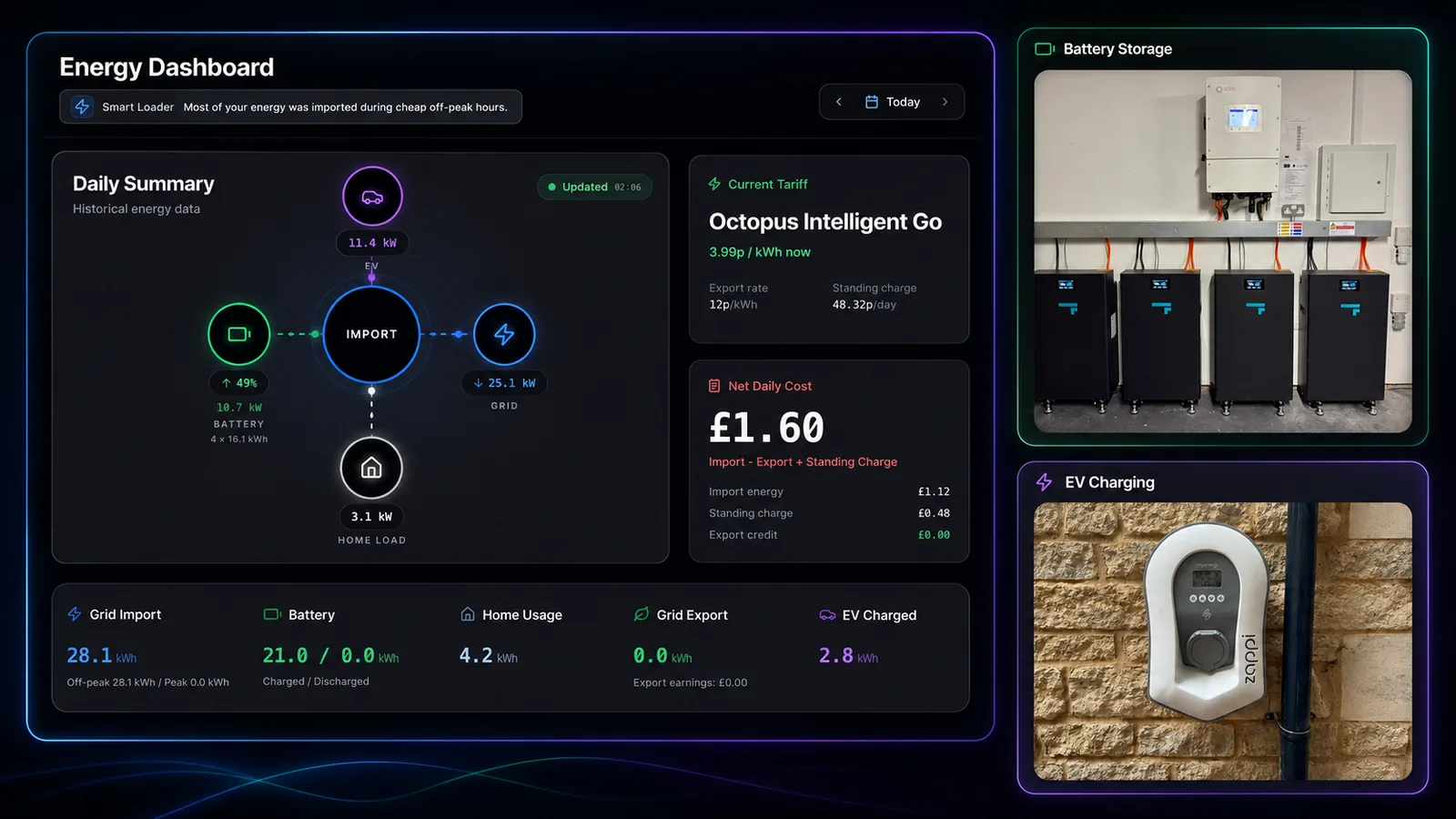
Mike Fadden's 1app.energy customer proof showing dashboard, Solis and Fogstar battery storage, and Zappi EV charging
Mike Fadden

15 kW Solis, four Fogstar batteries, three-phase Zappi and Octopus Intelligent Go

Mike uses 1app.energy to bring a three-phase Solis, Fogstar, Zappi and Octopus setup into one customer-facing dashboard.

A clear, reliable app for managing my home energy in one place.
15 kW Solis inverter
Four Fogstar batteries
Three-phase myenergi Zappi
Octopus Intelligent Go
Read Mike's story
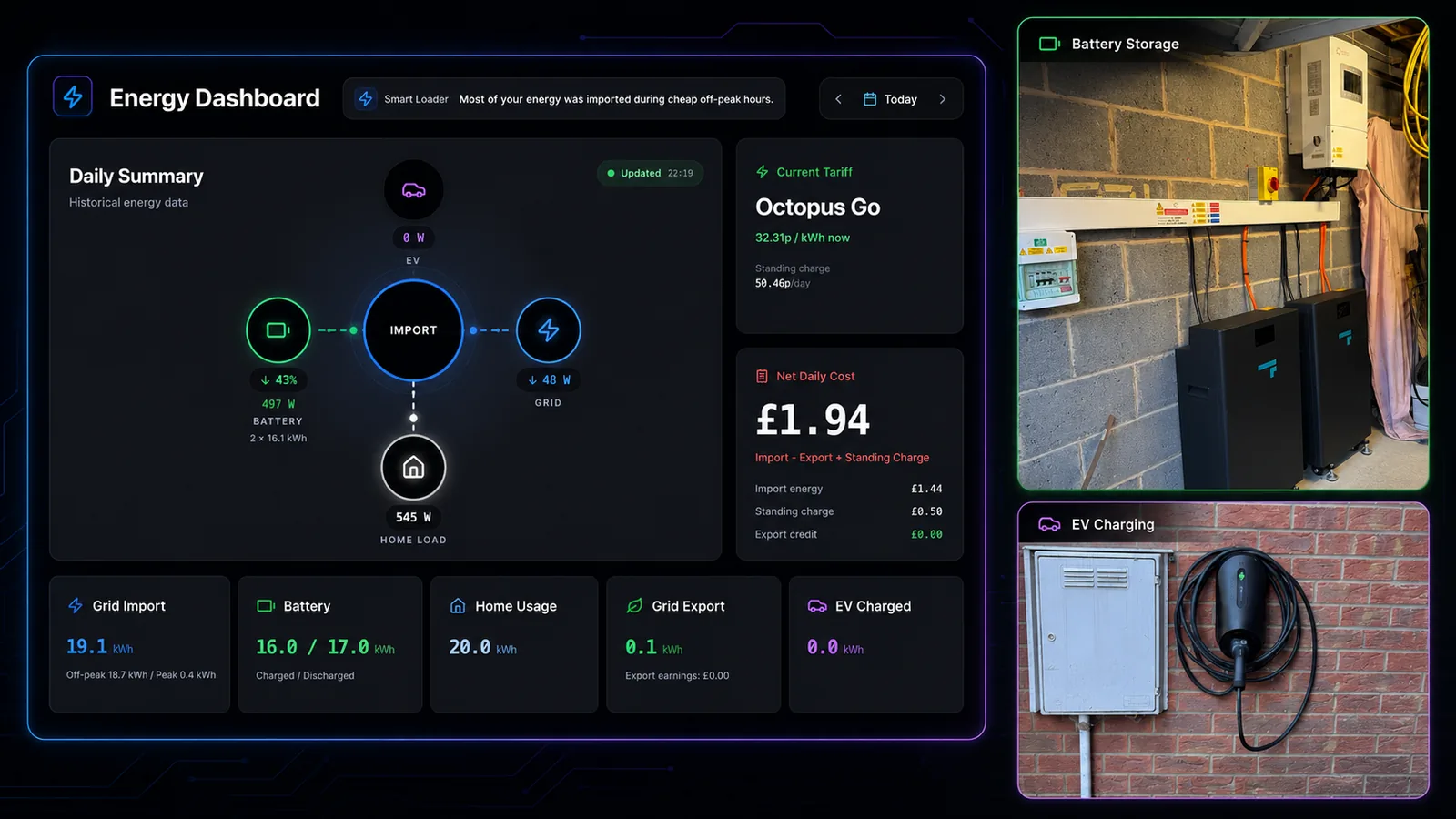
Carl Harvey's 1app.energy customer proof showing dashboard, Solis and Fogstar battery storage, and Zappi Glo EV charging
Carl Harvey

Solis, two Fogstar batteries, Zappi Glo and Octopus Go

Carl uses 1app.energy with Autopilot smart control to bring battery, EV and tariff context together around his installed hardware.

It would have been very hard to set up all of the separate parts to be anywhere near as efficient as this is.
6 kW Solis hybrid inverter
Two Fogstar batteries
myenergi Zappi Glo
Octopus Go
Read Carl's story

Real multi-device homes

These are actual customer setups with batteries, EV charging, tariff context and solar where the home has it.

Existing hardware

The stories focus on homes already running supported inverters, batteries and EV chargers rather than adding another physical controller.

Tariff-aware behaviour

Each story explains how tariff context helps the customer understand when the home is importing, charging, holding or exporting where supported.

Customer-readable proof

The aim is simple: show what the homeowner can see and why one connected view is useful after installation.