Customer story · shared with permission
Carl runs his Solis, Fogstar and zappi setup from one clearer view.
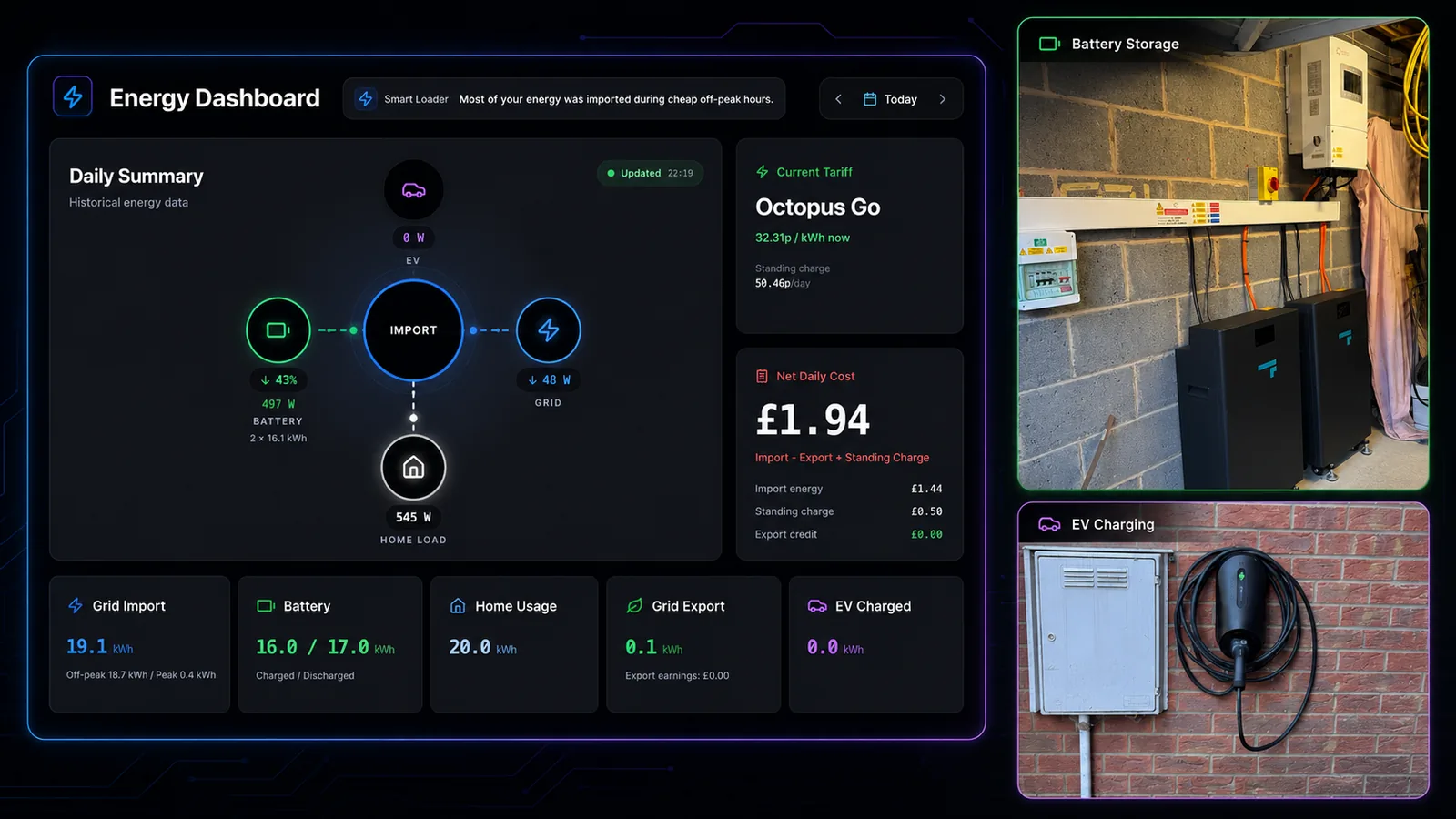
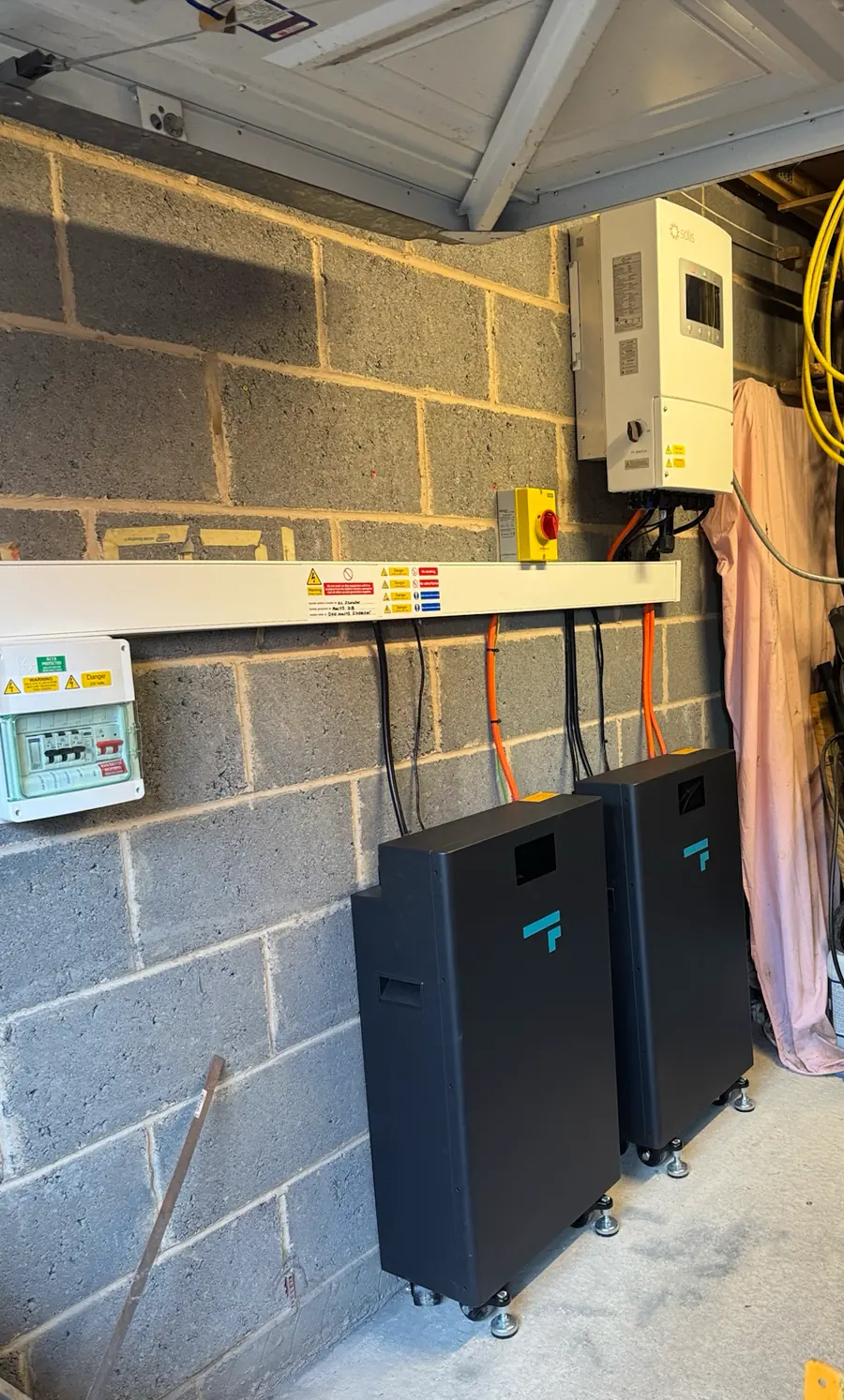
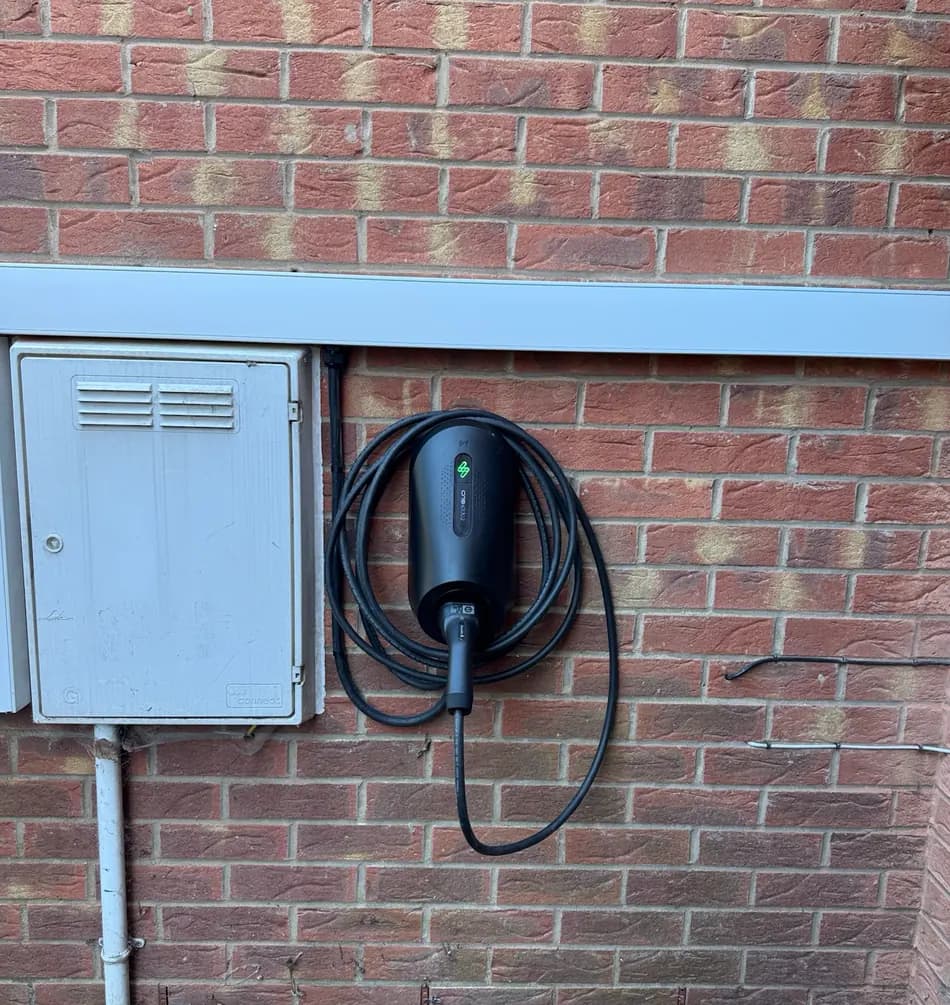
Carl already had the right hardware: a 6 kW Solis hybrid inverter, two Fogstar batteries, a myenergi zappi Glo and Octopus Go. 1app.energy brings the supported parts together and lets Autopilot manage tariff-aware behaviour where enabled.
In Carl's words
A customer view of the value.
This review was sent to us by email, unedited and shared with permission.
“I am using 1app.energy to control my Fogstar batteries, a Solis inverter and a MyEnergi Zappi on the Octopus Go tariff. I'm using the Autopilot smart control which optimises battery charging, home coverage and grid export all based on my tariff and battery level. It would have been very hard to set up all of the separate parts to be anywhere near as efficient as this is.”
The installed setup
The hardware stays. 1app.energy adds one clearer view.

6 kW Solis hybrid inverter
The Solis inverter remains the manufacturer platform for the solar and battery system.

Two Fogstar batteries
Charge and discharge sit alongside grid flow and home usage in the same daily view.

myenergi zappi Glo
EV charging appears next to battery, grid and tariff context instead of in isolation.

Octopus Go
Tariff timing is visible beside the energy flows it influences.
The practical problem
The hard part was understanding the whole system without juggling apps.
The inverter, batteries, EV charger and tariff each have their own role. 1app.energy gives Carl a home-level view of the supported data, without pretending to replace manufacturer setup or support tools.
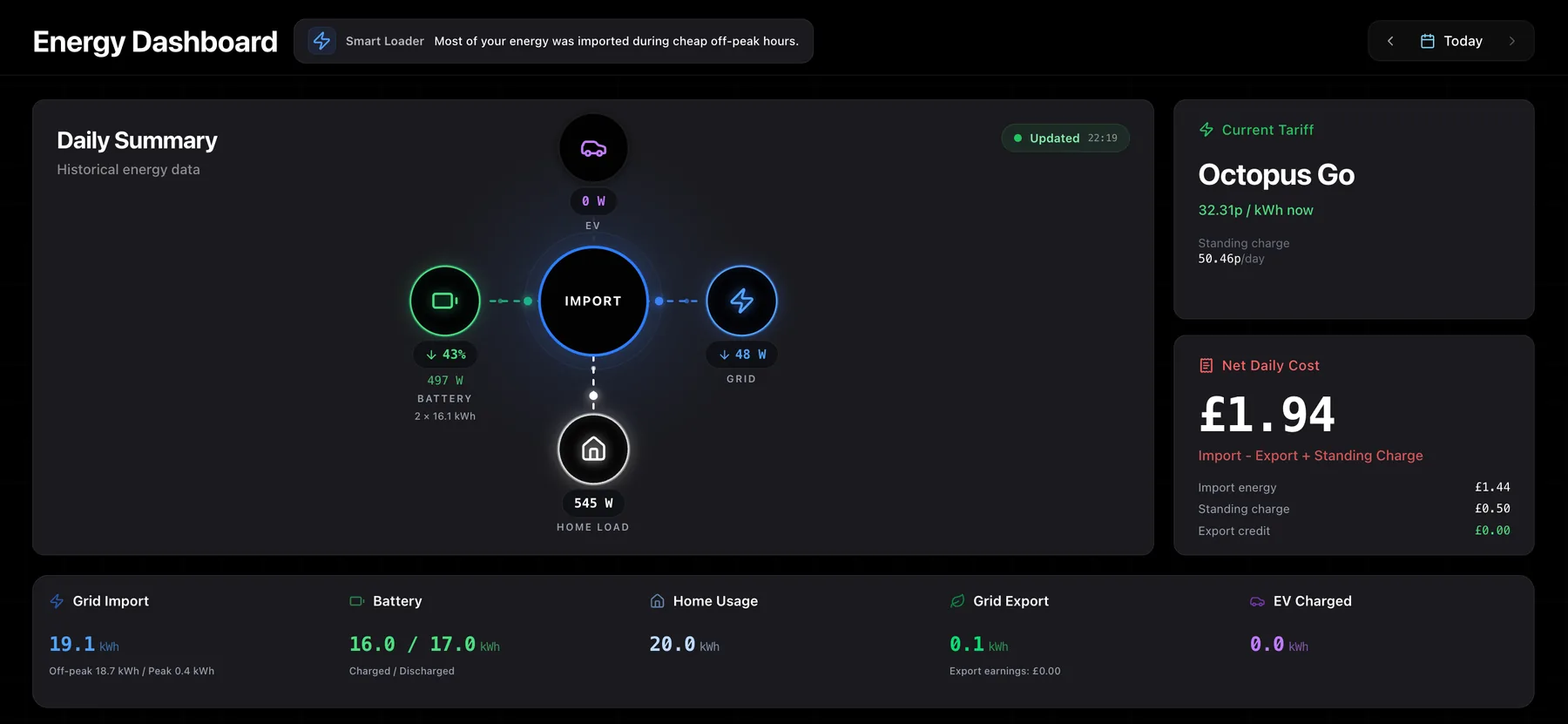
- Is the battery charging in the right window?
- Is the EV affecting what the battery is doing?
- Am I importing, exporting or using stored energy right now?
- Is Autopilot using the tariff context I expected?
Inside the home
Real equipment, connected around the customer.
Where the value appears
Less coordination by hand across the home.
Carl's setup is a recognisable UK home: solar, battery storage, an EV charger and a smart tariff. The value is a clearer daily picture and tariff-aware behaviour where the devices are supported, verified and customer-enabled.
One home-level dashboard
Battery state, home load, grid import and export, EV charging, tariff and daily cost can be read together.
Autopilot handles supported timing
Where enabled, Autopilot responds to tariff and battery level rather than relying on another fixed manual routine.
Evidence Carl can use every day
The dashboard shows the current state and the day's energy and cost context in one customer-facing view.
Manufacturer tools still have a place
SolisCloud and the native apps remain the right place for commissioning, firmware, specialist settings and manufacturer support.
What changed for Carl
Clearer daily visibility across Solis, battery, EV charging and tariff timing.
- Home, battery, grid, EV, tariff and daily cost visible together
- Autopilot timing around tariff and battery level where enabled
- Less need to manually coordinate Solis, zappi and Octopus Go
- Easier value from the Solis and Fogstar hardware already installed
Honest note: Automation depends on supported devices, verified tariff data and the settings the customer enables. Carl's story shows one real setup; exact behaviour depends on the hardware, tariff and signup compatibility check.
Have a setup like this?
See whether 1app.energy can connect your home.
Tell us which inverter, battery, EV charger and tariff you use. We will review the supported connections and available automation for your home.