Home energy dashboard source of truth: what to check
How to check whether a solar, battery, EV and tariff dashboard uses the right source for import, export, daily cost and battery throughput data.
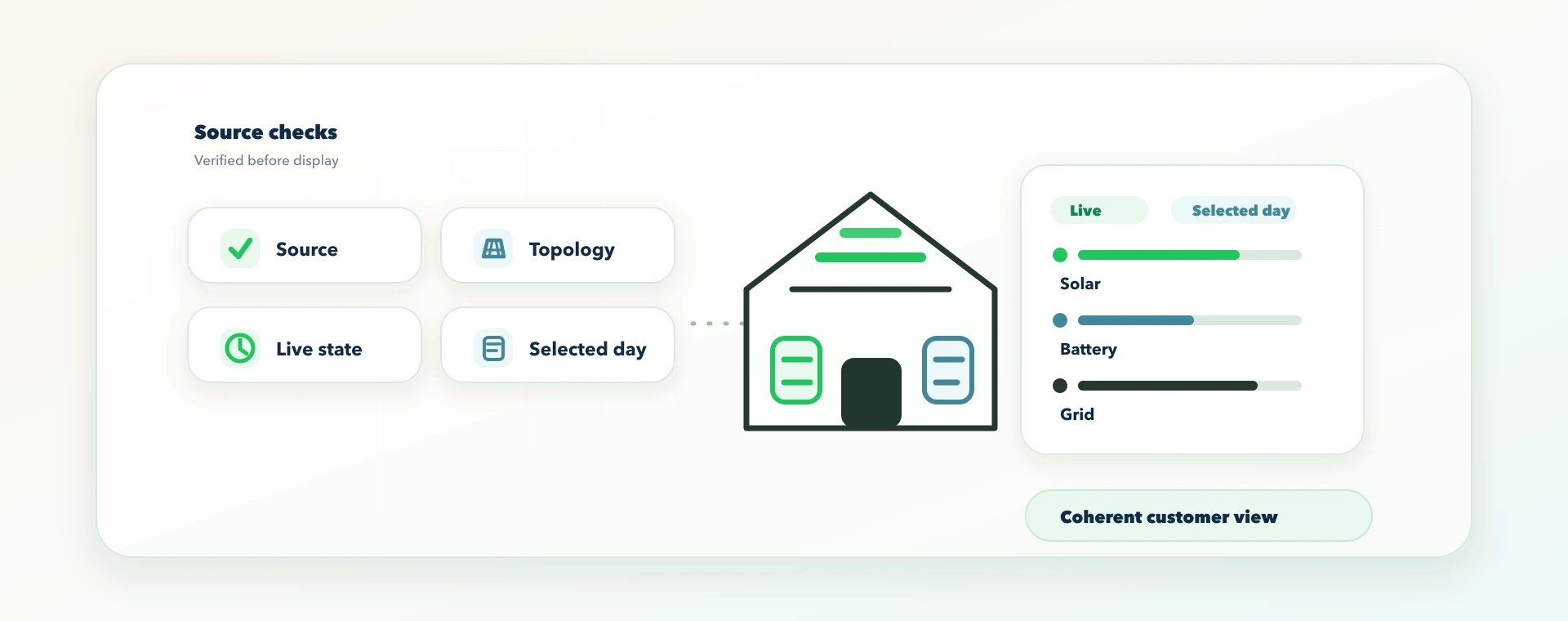
A home energy dashboard can look convincing while still answering the wrong question.
That matters when the home has more than one moving part. A Solis inverter may report solar, battery, grid and inverter values. A zappi charger may report EV charging context. Octopus may provide tariff and meter information where the account and tariff support it. Manual tariff settings may fill the gaps for other suppliers.
Each source can be useful. None of them should be blindly treated as the whole home.
This guide is for UK renewable-home customers, installers and partner brands who want to know whether a solar, battery, EV and tariff dashboard is trustworthy. It explains the source-of-truth checks that matter after the accounts are connected, and why a clean customer app needs more than a polished chart.
The quick version: dashboard source-of-truth checks
A trustworthy home energy dashboard needs five things:
- the right source for each number;
- the right installation, account and timezone;
- topology that reflects what is actually installed;
- clear separation between live values and selected historical days;
- honest states when data is missing, delayed or not verified.
If those rules are weak, the dashboard can become misleading even when every account connection is valid.
The practical test is simple:
Does each number explain this physical home, on this date, from a source that is allowed to own that value?
If the answer is unclear, the dashboard should not act confident.
What source of truth means in a renewable home
"Source of truth" means the place a customer-visible value should come from.
For example, the battery state of charge should come from the battery or inverter data source that actually owns the battery. A tariff rate should come from the supplier integration where supported, or from a customer-entered manual tariff when that is the configured source. A daily cost should be calculated from backend-owned energy and tariff values, not guessed in the browser from a few visible chart points.
This is not just a software preference. It protects customer trust.
If a value is derived too late, guessed from a partial source, or mixed with stale data from another installation, the dashboard may look neat while showing the wrong answer. That is worse than an obvious loading state because the customer may use it to make a tariff, battery or charging decision.
Why a connected home energy dashboard is not always trustworthy
Many setup journeys focus on credentials: connect SolisCloud, connect myenergi, connect Octopus, then show a dashboard.
Credentials matter, but they only open the door.
That is why setup guides such as how to get your SolisCloud API key, how to get your myenergi zappi API key and how to get your Octopus Energy API key are only the start. After the accounts connect, the dashboard still has to prove the data belongs to the right installation, tariff and device.
The real question is whether the returned data describes the same home and the same moment.
Here are common ways a connected dashboard can still drift:
| What the dashboard shows | What may be wrong underneath |
|---|---|
| Solar generation on a no-solar home | Solar topology was guessed or copied from an example setup |
| EV charging folded into normal home load | The charger source is not being treated as a separate EV context |
| Grid import and export in the wrong direction | The source sign convention or meter mapping is reversed |
| A historical day showing live tariff badges | Today's live state leaked into a selected past date |
| A device shown as connected after credentials are saved | The credential exists, but the device status has not been verified |
| Costs shown with default rates | The tariff source is missing, pending or manually unset |
Those are not design issues. They are ownership issues.
The fix is not another chart. The fix is a better contract between the data sources, the backend and the customer-facing app.
The source map a home energy dashboard should respect
A useful dashboard should know what each source is allowed to answer.
For a supported Solis, zappi and tariff-aware home, the map often looks like this:
| Source | Good for | Should not be used to invent |
|---|---|---|
| SolisCloud or inverter data | Solar, battery, grid and inverter behaviour where exposed for the selected plant | EV intent, supplier tariff rules or external solar that is not measured by that source |
| zappi or myenergi data | EV charger state, session context and CT readings where configured | Whole-home usage unless the CT layout has been verified |
| Octopus data | Tariff, meter, import/export and smart-tariff context where available | Non-Octopus tariff values or unsupported control assumptions |
| Manual tariff setup | Customer-entered rate periods, export rate and standing charge for non-Octopus or unsupported tariff cases | Supplier-verified smart slots that have not been supplied |
| Home topology | Whether solar, battery, EV charger, grid meter and other measured branches exist | Live kWh or cost totals |
The important word is "where". A source may expose one value cleanly and not expose another. A device can be visible but not controllable. A tariff can be known but not enough to support a specific smart-control behaviour.
That is why 1app.energy uses careful language around supported homes, verified setup and customer-enabled control.
Check 1: hide absent equipment instead of showing fake zeros
A no-solar home should not show a solar card, solar percentage, solar legend entry or "Solar 0%" row just because the product has a solar feature.
That may sound small, but it is one of the fastest ways to tell whether a dashboard respects topology.
If a home has no verified solar source, absence is clearer than a confident zero. A zero suggests the equipment exists and is currently generating nothing. Hiding the solar surface says something different and more accurate: this is not part of the home.
The same principle applies to EV chargers, batteries and vendor-specific tabs. A saved setup intention is not the same as a verified connected device.
This is one reason a setup checklist matters. A Solis, zappi and Octopus home should confirm topology before trusting the dashboard; the Solis, zappi and Octopus setup checklist goes deeper into those checks.
Check 2: keep live dashboard data separate from historical data
Live power flow and historical daily totals answer different questions.
Live data says what the home appears to be doing now. Historical data says what happened on a selected day. Mixing those two creates confusing results.
For example, if a customer selects 30 March to understand a high-bill day, the dashboard should not reuse today's live tariff badge, today's live EV state or today's live home load. It should show the selected day's totals and make clear when a live power-flow view is not available for that date.
This matters for installers as much as homeowners. A customer calling about "yesterday's battery behaviour" needs a date-correct answer, not a live dashboard with yesterday's chart underneath it.
Check 3: label stale or delayed home energy data
Vendor APIs do not always update at exactly the same moment.
The inverter may have a recent battery value while the charger source is delayed. A live power-flow snapshot may be coherent but a few minutes old. A tariff sync may be pending. A supplier account may need reauthorisation.
A trustworthy dashboard should not pretend those states are all the same.
There are two honest options:
- show a labelled delayed or last-known-good state when there is a recent coherent snapshot;
- show an incomplete or pending state when there is no reliable value to display.
What it should not do is fill missing values with zeros, example rates or another installation's data. A calm "updating" state is better than a precise-looking wrong number.
Check 4: backend-owned calculations protect dashboard trust
Some maths is safe in the frontend. Formatting pounds and pence, rounding to one decimal place, converting kW to W, scaling a chart and laying out a diagram are presentation tasks.
Customer-visible energy and cost logic is different.
Daily import, export credit, net cost, self-sufficiency, supply mix, battery charged or used, EV charged and tariff-window logic should come from a backend contract that knows the installation, date, timezone, source quality and tariff setup.
That is especially important for a multi-user SaaS product. The browser should not have to decide whether a value belongs to this home, whether a historical date matches the selected timezone, or whether a tariff value is supplier-synced, manually entered or missing.
When the backend owns those values, the frontend can do its proper job: present them clearly and avoid inventing confidence where the source is incomplete.
Check 5: validate one normal day across solar, battery, EV and tariff
The best first validation is one normal day.
Pick a day with ordinary home use. If the home has solar, choose a day with some daylight generation. If there is an EV charger, choose a day with a real charging session. Then compare the dashboard story with what the customer knows happened.
Ask:
- Did solar only appear when the home has verified solar and daylight generation?
- Did the battery charge and discharge at believable times?
- Did EV charging appear as EV context, not just a mysterious home-load spike?
- Did grid import rise when a large load, low battery or cheap-rate charge made that plausible?
- Did export appear only when generation or discharge exceeded demand?
- Did the tariff view match the connected Octopus account or the customer's manual rates?
- Did the selected historical day stay separate from today's live state?
The goal is not to audit every watt. The goal is to catch the obvious contradictions before the customer starts trusting the dashboard for decisions.
A practical example: Solis, zappi and Octopus
Imagine a supported home with:
- a Solis hybrid inverter;
- solar panels;
- a home battery;
- a zappi charger;
- an Octopus tariff connection where supported.
The dashboard should not simply add every number it can find.
It needs to understand that Solis may be the source for inverter, battery and PV behaviour. zappi may add EV charging context and CT readings where configured. Octopus may add tariff and meter context where available. The home topology tells the app what equipment exists and what should be hidden.
Now imagine the customer selects a day when the EV charged in the afternoon.
A weak dashboard might show high home usage, a lower battery and no explanation. A better dashboard can help the customer see that EV charging was a separate load, that the battery may have discharged during that period, and that tariff-aware battery behaviour may be useful where the installation supports it and the customer enables it.
This is the same customer problem behind why Octopus smart charging can drain a home battery and how much solar energy UK homes can lose to EV conflicts. If the dashboard cannot separate EV, battery, solar and tariff context, the customer is left guessing.
That difference is the value of source ownership. It turns isolated device data into a whole-home explanation.
Red flags when comparing energy dashboards
Use this checklist when you are judging a customer app, installer handover, or partner-branded dashboard.
| Red flag | Why it matters |
|---|---|
| Solar rows appear on a no-solar home | The app is probably using a template instead of verified topology |
| A zero appears where the value is unknown | The app may be hiding missing data as a real measurement |
| Live tariff status appears on a historical date | Live state may be leaking into selected-day reporting |
| A saved credential immediately becomes a connected device | The app may not distinguish credentials from verified telemetry |
| EV energy appears twice | EV load may be counted inside both home usage and EV charging |
| Import/export direction feels backwards | Sign convention or CT mapping may need review |
| Cost appears before tariff source is known | The app may be using default rates or stale settings |
| Control buttons appear before the device is verified | Visibility and control are being treated as the same thing |
None of these red flags prove the hardware is wrong. They are reasons to check the data chain before drawing conclusions.
How 1app.energy approaches this
1app.energy is a customer-facing SaaS layer for renewable homes. It is especially useful today for supported Solis inverter and Solis hybrid inverter homes where customers want one place for solar, battery, EV and tariff context.
The product principle is simple:
Connect supported sources, verify the home, then show the customer one coherent view.
That means 1app.energy can bring together Solis data, zappi EV context, Octopus tariff data and manual tariff setup where supported. It can help explain live energy flow, selected-day totals, tariff-aware battery behaviour and EV charging context. Battery or charger actions should only be available where the backend verifies the installation, the device status supports it and the customer enables the behaviour.
For customers who want automation after the dashboard is trustworthy, the next question is which behaviour mode fits the home. We explain that separately in which 1app smart control mode should you use.
This is deliberately more cautious than saying "connect anything and optimise everything".
A good dashboard should be honest before it is clever.
What installers should explain at handover
Installers do not need to turn customers into data engineers. But they can prevent confusion by explaining three things:
- Which app owns which part of the picture.
- Which values are live and which are daily summaries.
- Which devices are visible only, and which are supported for control.
For a Solis-based home, the handover should also make clear whether solar is hybrid, external or both; whether the battery is controlled through the inverter; whether the zappi CT roles are known; and whether the tariff is supplier-synced or manually entered.
That context makes the first week after installation calmer. The customer knows what to expect, and the installer has a clearer way to answer "why did the battery do that?"
Common questions about home energy dashboard source of truth
Does a source-of-truth dashboard need every device connected?
No. A home can still benefit from clear visibility with a partial setup, as long as the dashboard is honest about what is connected, supported and missing. The problem is not partial data. The problem is partial data presented as a complete truth.
Why not show Solar 0% for a home without solar?
Because "zero generation" and "no solar equipment" mean different things. A solar-equipped home at night may correctly show zero generation. A no-solar home should not show a solar surface at all.
What if vendor data is delayed?
Short delays are normal in cloud-connected energy systems. Where a recent coherent snapshot exists, a labelled delayed state can be useful. Where there is no reliable value, the dashboard should show pending or unavailable rather than inventing a number.
Can 1app.energy control my battery from the dashboard?
Where the installation has a supported control path and the customer enables the relevant behaviour, 1app.energy can help with tariff-aware battery behaviour. Not every visible device is controllable, and control should not be presented until the setup is verified.
Is Octopus required?
No. Octopus tariff data is useful where supported, especially for dynamic or smart-tariff context. Other customers can use manual tariff setup where applicable, with automation depending on the verified devices, tariff information and control support for that home.
How do I validate the first day?
Use one normal day and check the story. Solar should match daylight and topology. EV charging should match the real session. Battery direction should make sense. Grid import/export should follow the large loads and surplus periods. Tariff and cost should match the connected or manually configured source.
Final thought on dashboard trust
The best home energy dashboard is not the one with the most tiles. It is the one that knows where each value came from, when it was measured, which home it belongs to, and whether it should be shown at all.
That is what customers need before they trust a battery strategy, tariff view or EV charging explanation.
If you have a Solis-based renewable home, or you install systems for customers who need one clearer place for solar, battery, EV and tariff behaviour, visit 1app.energy/signup to check your inverter and start signup.
Relevant smart controls
These mode pages are the closest product-side follow-on from the issue explained in this article.
Autopilot
The best starting mode for most homes. Autopilot charges when power is cheap, keeps battery back for the home, and can export spare battery power when prices are high.
Home First
A simpler home-first mode. It runs the home from your own solar and battery first and avoids automatic battery export.
Does this sound like your home?
Your setup might already qualify.
Tell us which devices and tariff you are on. We review every request and invite in order of fit, not sign-up date.